Pairing FJD AT2 auto steer systems with external interaction accessories creates a more flexible and user-friendly control experience in the cab. Easy Control, Easy Switch, and Mini Control offer multiple ways to interact with the system—by button, pedal, or compact wireless controller—so operators can choose what feels most natural. In modern farming, efficiency in the cab matters just as much as precision in the field. A reliable auto steering system is essential, but the way operators interact with that system can make a big difference in daily work. That is where AT2 external interaction accessories come in.
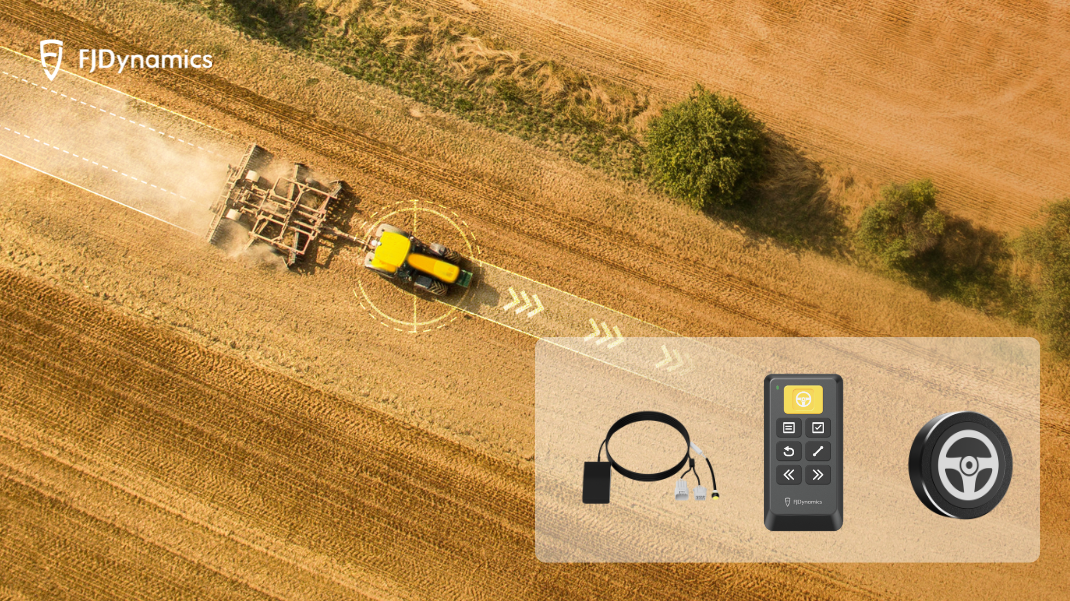
Why External Interaction Matters for AT2
In real fieldwork, touchscreens are not always the easiest option. Dust, vibration, gloves, and frequent steering adjustments can all make screen-based operation less convenient. That is why external interaction accessories add real value to AT2. They offer faster, more natural ways to control key functions, helping operators stay focused on the field while maintaining a smoother workflow in the cab.
Easy Control: Confident Operation at Your Fingertips
Easy Control gives operators a practical and reliable way to manage AT2 without constantly reaching for the screen. Designed for real cab conditions, it makes switching and steering more direct and intuitive.
- Surefire: Control your autosteering kit with button-clicking certainty when the touchscreen is out of reach or hard to engage in a dusty or shaky cab.
- Smooth: Seamlessly switch between physical and virtual buttons for a smoother workflow.
- Consistent: All the icons on the wireless controller match those on the touchscreen, so everything feels familiar from day one.
- Rugged: Built with durability and safety in mind, FJD Easy Control is rated IP66 and answers over 100,000 clickswith reliable performance.
- Convenient: Around 15 m wireless communication range and a compact design make it easy to install anywhere in the cab.
- Anti-Lost: The touchscreen will prompt a notification when the controller is disconnected. Fix it anywhere with the strap that comes with it, so you will not lose it easily.
In real fieldwork, pairing Easy Control with AT2 allows operators to stay fully in command even in dusty, bumpy conditions, switching and steering with confident, tactile clicks instead of repeatedly reaching for the screen. Because the icons on the controller mirror those on the AT2 display, every action feels immediately familiar and intuitive. With rugged IP66 protection, dependable wireless communication, and flexible installation in the cab, Easy Control helps turn AT2 into a smoother, more responsive, and more user-friendly steering experience from start to finish.
Easy Switch: Instant Switching, Seamless Focus
Easy Switch offers a faster and more intuitive way to move between manual driving and autosteering. It simplifies in-cab interaction and helps operators stay focused during busy field operations.
- One Press Switching – Fast and Effortless: Switch easily between manual and autosteering modes with a single press or step—no need to look at the screen, saving time and effort.
- Two Models Available – Button or Button-Pedal: Select the model that suits your preference, either a simple button or a button with a foot pedal.
- Simplified Operation – Stay Focused: Reduce the need to look at the screen when switching, minimizing distractions and helping you stay focused on fieldwork.
- Wide Compatibility – Easy to Integrate: Works perfectly with FJD AT1/AT2/AT2 Max and other auto steer systems. Easy to set up and enhances precision farming performance.
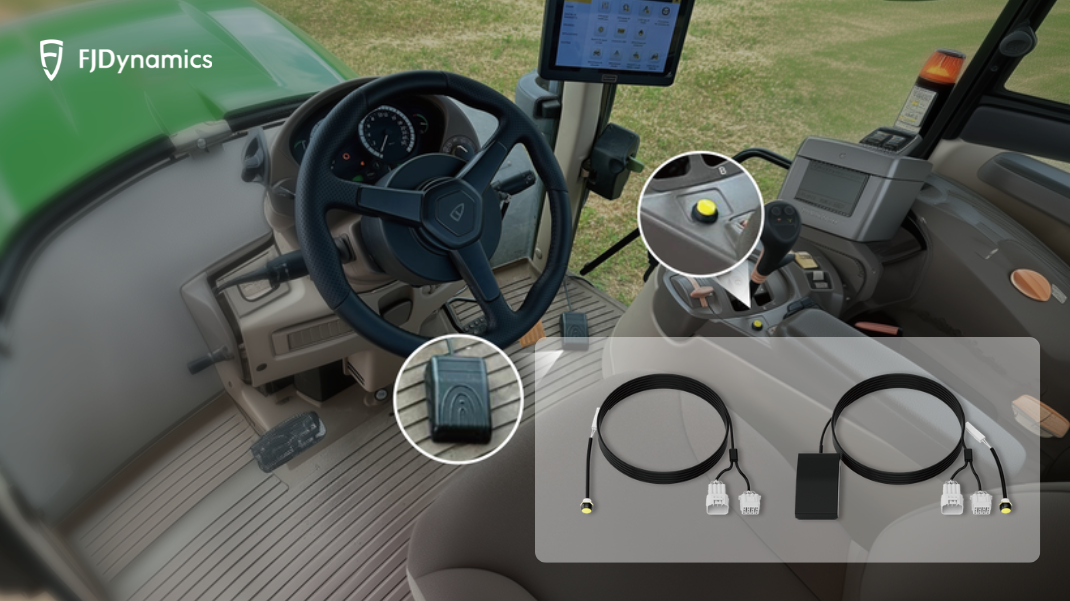
When paired with AT2, Easy Switch helps operators react faster when entering a new pass, approaching a headland, or adapting to changing terrain. With a simple press—or even a foot tap—users can switch modes without taking their eyes off the field, making operation more fluid and focused.
Mini Control: Compact Wireless Control, Ready at One Tap
Mini Control offers a compact and highly accessible way to manage mode switching in the cab. Small in size but practical in use, it gives operators quick control exactly where they need it.
- Quick Switch Without Touching the Screen: Switch between manual driving and autosteering modes instantly with a single press while working in the field. This compact wireless design lets you enter automatic mode quickly when the touchscreen is hard to reach, giving you easy control over your workflow.
- Maximum Efficiency with Less Effort: Works seamlessly with FJD auto steer systems, including AT2, AT2 Max, AH2, AS2, and more. Under normal conditions, the battery lasts up to three months on a single charge and features smart auto shut-off to save power after inactivity. Installation is simple with a steering wheel clip or heavy-duty adhesive, allowing flexible placement anywhere in the cab.
In real field conditions, pairing Mini Control with AT2 gives operators an easy way to switch between manual driving and autosteering with just one tap. Its compact wireless design, long battery life, and flexible mounting make it a simple and efficient option for everyday use.
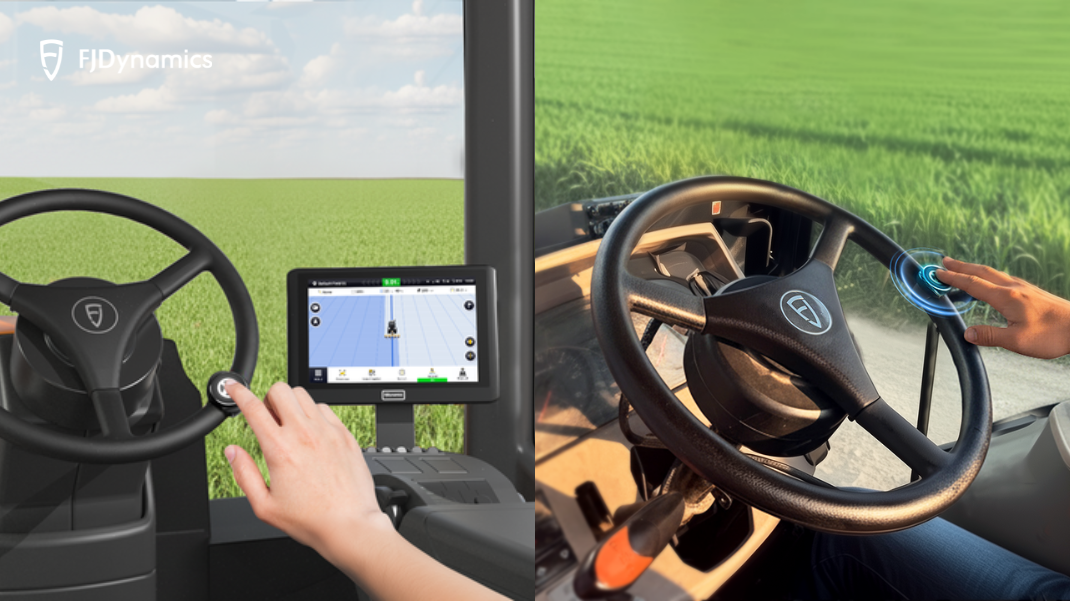
Greater Flexibility for Real Cab Conditions
What makes these accessories especially valuable is that they give operators more ways to work with AT2 in real field conditions. Easy Control suits those who prefer fuller wireless button interaction, Easy Switch enables quick and direct mode changes, and Mini Control offers compact one-touch access.
This flexibility becomes even more meaningful in daily operation: in dusty cabs, physical controls may be easier to use than a touchscreen; on rough terrain, a controller within easy reach can feel more natural and dependable; and during long working hours, faster switching can help reduce distractions and operator fatigue.
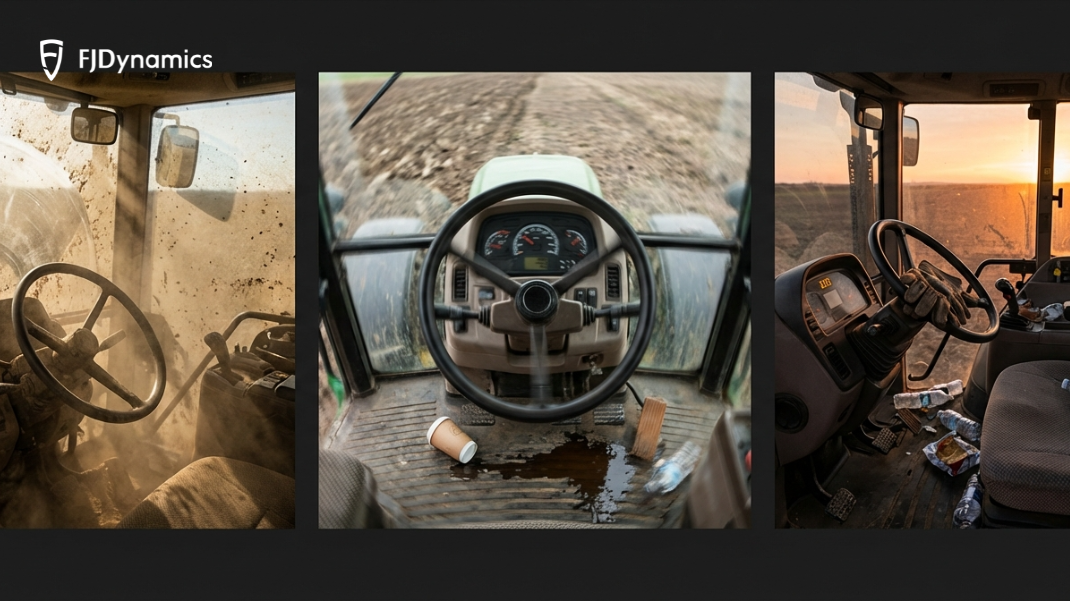
Together, these accessories make AT2 a more practical and adaptable in-cab control solution, helping operators stay comfortable, responsive, and in control throughout the workday. Want to make your AT2 setup more convenient and intuitive to use? Explore Easy Control, Easy Switch, and Mini Control to find the interaction style that best fits your field conditions and operating habits.